
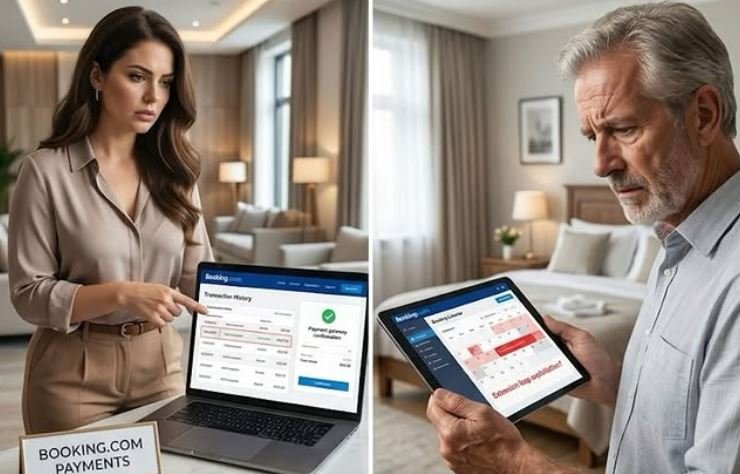
A concerning reservation loophole is emerging across short-term rental networks, where guests appear to be exploiting manual booking modifications to secure extra nights without paying.
For property managers and independent hosts utilizing the Payments by Booking.com service, this vulnerability presents a direct financial risk if extensions are approved without verifying upfront collection.
How the Manual Extension Loophole Works
The mechanics behind this reported issue follow a specific pattern:
-
🛏️ Initial Short Booking: A guest makes a last-minute, short-stay reservation—such as a single-night booking.
-
☎️ Support Contact: Instead of altering the booking directly in-app, the guest contacts Booking.com customer support to request a manual date extension.
-
📞 Host Confirmation Request: Booking.com support contacts the host to ask for verbal or digital approval to extend the dates.
-
✅ Approval Granted: The host agrees, the calendar updates within the Extranet/channel manager, and the booking appears fully extended and confirmed.
-
⚠️ Guest Completes Stay: The guest stays through the extended dates and checks out as scheduled.
-
💸 Payment Failure: The host later discovers that Booking.com never captured or authorized funds for the additional nights, leaving the host entirely unpaid for the extension.
Real-World Impact: Property managers report that this sequence has occurred multiple times in short succession, suggesting that bad actors may be deliberately taking advantage of communication gaps between customer support agents and automated payment processing engines.
Essential Protection Playbook for Hosts
Never assume an updated calendar equates to captured funds. To safeguard your revenue and occupancy:
-
🔍 Verify Before Approving: If a manual extension request comes through customer support, do not rely solely on the modified dates in your Extranet. Check your Virtual Credit Card (VCC) balance or bank payout log to confirm the additional amount is fully authorized.
-
🚫 Decline Unfunded Extensions: If customer support cannot immediately confirm payment collection for the extra nights, decline the extension, block the dates manually, and inform support that the property is unavailable.
-
💳 Collect On-Site if Necessary: If the platform cannot process the extension instantly, require the guest to settle the additional nights directly via your own payment terminal or direct link prior to allowing extended access.
-
🔐 Reset Access Codes Daily: Ensure smart lock access codes expire precisely at the original checkout time unless payment confirmation for extended dates is verified.
The Takeaway
While automated platform payments simplify daily operations, manual overrides by customer support can create blind spots in payment capture. Verifying transaction authorizations before approving calendar changes remains essential to protecting your short-term rental revenue.
Join the Discussion
The big question: Have you ever encountered an unpaid manual extension or payment sync error on Booking.com or other OTAs? 🤔 Let us know your experience in the comments below!